How to Safely Install and Maintain Home Automation Systems
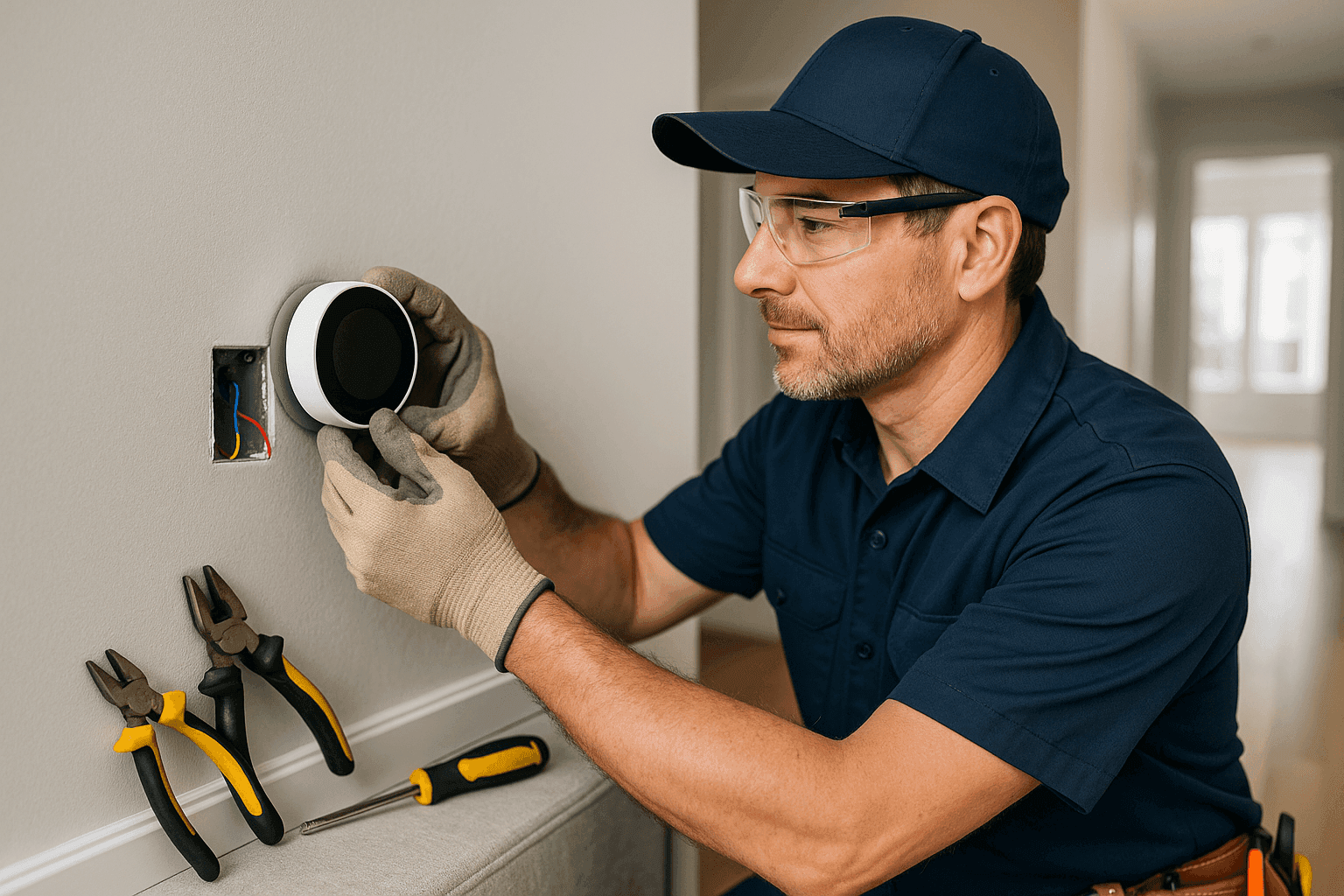
Home automation is changing the way we live and work. Lights that adjust on their own, thermostats that learn your schedule, outlets you can control from your phone. It feels like magic—until something goes wrong.
But behind every smart gadget is a maze of wiring and circuits. One wrong move can turn a dream home into a headache. That’s why DH&B Electric is here to help you install and maintain your home automation systems safely, so you get all the benefits with none of the stress.
What Is Home Automation? 🤖
Think of home automation as your home’s brain. It connects devices like:
- Smart lighting (bulbs, switches, dimmers)
- Automated outlets and plugs
- Security systems (cameras, motion sensors, alarms)
- Smart thermostats
- Doorbells and intercoms
- Smoke and carbon monoxide detectors
- Pool and spa controls
- EV chargers
All these parts talk to each other. Some use Wi-Fi, others rely on hardwired connections. When it works, life feels effortless. But safe installation and regular upkeep are the secret sauce.
Quick Safety Checklist
Before you start, run through this list. A few minutes now could save hours later.
- Turn off power at the breaker. Never work on live circuits.
- Use tools with insulated handles.
- Check device compatibility with your wiring and voltage.
- Read all manufacturer instructions.
- Don’t overload circuits. Smart devices still draw power.
- Have a surge protector in place.
- Test outlets with a voltage tester before touching wires.
- Keep water away from electrical components.
- Know where your main shutoff is located.
- If in doubt—call an emergency electrician.
Safety isn’t just a checklist. It’s a habit.
DIY vs. Call a Pro
It’s tempting to try it yourself. After all, there are endless videos online. But home automation isn’t just plug-and-play. It’s more like building a puzzle, and every piece has to fit just right.
DIY might work if:
- You’re swapping out a smart bulb or plug.
- The device is truly wireless and battery-powered.
- You’re comfortable reading wiring diagrams.
But call a professional if:
- You need to install new wiring or outlets.
- The device requires a dedicated circuit.
- You’re unsure about your home’s electrical capacity.
- The automation system connects to high-voltage appliances or panels.
- You want to integrate multiple systems (security, lighting, HVAC).
- You notice flickering lights, tripped breakers, or burning smells.
When it comes to electricity, caution is always cheaper than regret.
What Pros Do On Arrival
When DH&B Electric arrives, we don’t just start screwing in gadgets. Here’s what a professional approach looks like:
1. Assessment and Planning
- Inspect your current electrical system.
- Check panel capacity and breaker health.
- Evaluate wiring condition and code compliance (per National Electrical Code guidelines).
- Identify potential hazards (old wiring, moisture, overloaded circuits).
2. Safe Installation
- Shut off all relevant circuits.
- Use proper connectors and insulation.
- Ground all devices correctly.
- Install surge protection for sensitive equipment.
- Integrate automation hubs and controllers securely.
- Test each device before finalizing.
3. System Testing
- Confirm everything powers up safely.
- Check device communication (Wi-Fi, Zigbee, Z-Wave, etc.).
- Test fail-safes like smoke detectors and alarms.
- Demonstrate system operation for you.
4. Documentation and Certification
- Label breakers and circuits clearly.
- Provide installation records.
- Issue safety certificates if required.
It’s a process built for peace of mind.
Prevention & Maintenance
Smart homes need regular check-ups, just like cars. Here’s how to keep your system running smoothly:
Routine Maintenance Tips
- Update software and firmware. Manufacturers release security patches and improvements.
- Inspect wiring for wear or damage. Look for frayed insulation or loose connections.
- Test backup power sources. If you have generators or battery backups, run them monthly.
- Clean device sensors and cameras. Dust can block signals and lenses.
- Check surge protectors. Replace if they’ve absorbed a major surge.
- Review automation routines. Make sure schedules and triggers still fit your needs.
Troubleshooting Common Issues
- Device not responding? Try rebooting the hub or device. Check Wi-Fi or power supply.
- Frequent disconnects? Interference from other electronics or outdated firmware could be the culprit.
- Unexpected behavior? Reset to factory settings and reconfigure.
If problems persist, a professional inspection can reveal deeper issues—sometimes a hidden wiring fault or outdated breaker is to blame.
Costs & Time Factors
Installing home automation can range from a quick afternoon to a multi-day project. Here’s what affects the timeline and cost:
- Scope of work. Swapping a smart switch takes less time than wiring a whole-home system.
- Existing wiring condition. Older homes may need rewiring or panel upgrades.
- Number of devices. More devices mean more installation and programming time.
- Integration complexity. Connecting lighting, security, and HVAC takes coordination.
Professional installation might cost more upfront, but it saves money in the long run by preventing damage, code violations, and emergency repairs.
When It’s an Emergency
Sometimes, things go sideways fast:
- Burning smell or smoke from outlets.
- Sparks or buzzing from panels.
- Repeated breaker trips after installing a device.
- Loss of power to critical systems (security, medical devices, refrigeration).
If any of these happen, don’t wait. Shut off power at the main breaker and call an emergency electrician immediately. Fast action can prevent fires and further damage.
FAQ
How often should I have my home automation system inspected?
At least once a year. More often if you add new devices, experience frequent outages, or live in an area with frequent storms.
Is it safe to install smart devices myself?
Only if you’re working with battery-powered or plug-in devices. Anything that connects to wiring, panels, or high voltage should be handled by a qualified electrician.
What’s the best way to protect my smart home from power surges?
Install whole-home surge protection at your main panel. Use surge-protected outlets for sensitive devices. The National Fire Protection Association (NFPA) recommends this for all modern homes.
Will my home automation system work during a power outage?
Only if you have backup power, such as generators or battery systems. Otherwise, most systems will go offline until power is restored.
Special Considerations for Home Automation Systems
- Electrical code compliance matters. Every component must meet standards set by the National Electrical Code (NEC).
- Data security is just as important as electrical safety. Change default passwords, use strong Wi-Fi encryption, and update software regularly.
- Plan for expansion. If you might add more devices in the future, discuss this with your electrician during installation.
- Document your setup. Keep a record of device models, wiring diagrams, and settings for future reference.
- Schedule regular electrical safety inspections. This helps catch small issues before they become big problems.
Ready to Upgrade or Maintain Your Smart Home?
Don’t gamble with your family’s safety or business continuity. Home automation is powerful, but only when installed and maintained with care. Whether you need a quick fix, a full upgrade, or emergency service, DH&B Electric is here 24/7 to help you stay safe and connected.
Call DH&B Electric now — or reach us anytime at 877-717-3326 .